
PDF FLY Annual Subscription
PDF FLY v14 for Windows delivers the power and conversion precision professionals count on when creating technical manuals and illustrations. It’s a complete vector and bitmap converters suite in one easy-to-use program. Transform PDF, PostScript, and EPS files into standard formats like PDF, DWG, SVG, WMF, EPS, PNG, JPEG, and TIFF.
The PDF FLY Annual Subscription includes always-current software and priority support. On-demand access to downloads via our client portal. Convert PDF files into industry-standard vector, image, and text formats. It also extracts Unicode text. Perpetual licenses and Upgrades are available. We offer a free 7-day trial of ConvertPDF.Online for you to quickly and easily test the conversion quality, without downloads or software learning curves.
$99.00 / year
In stock
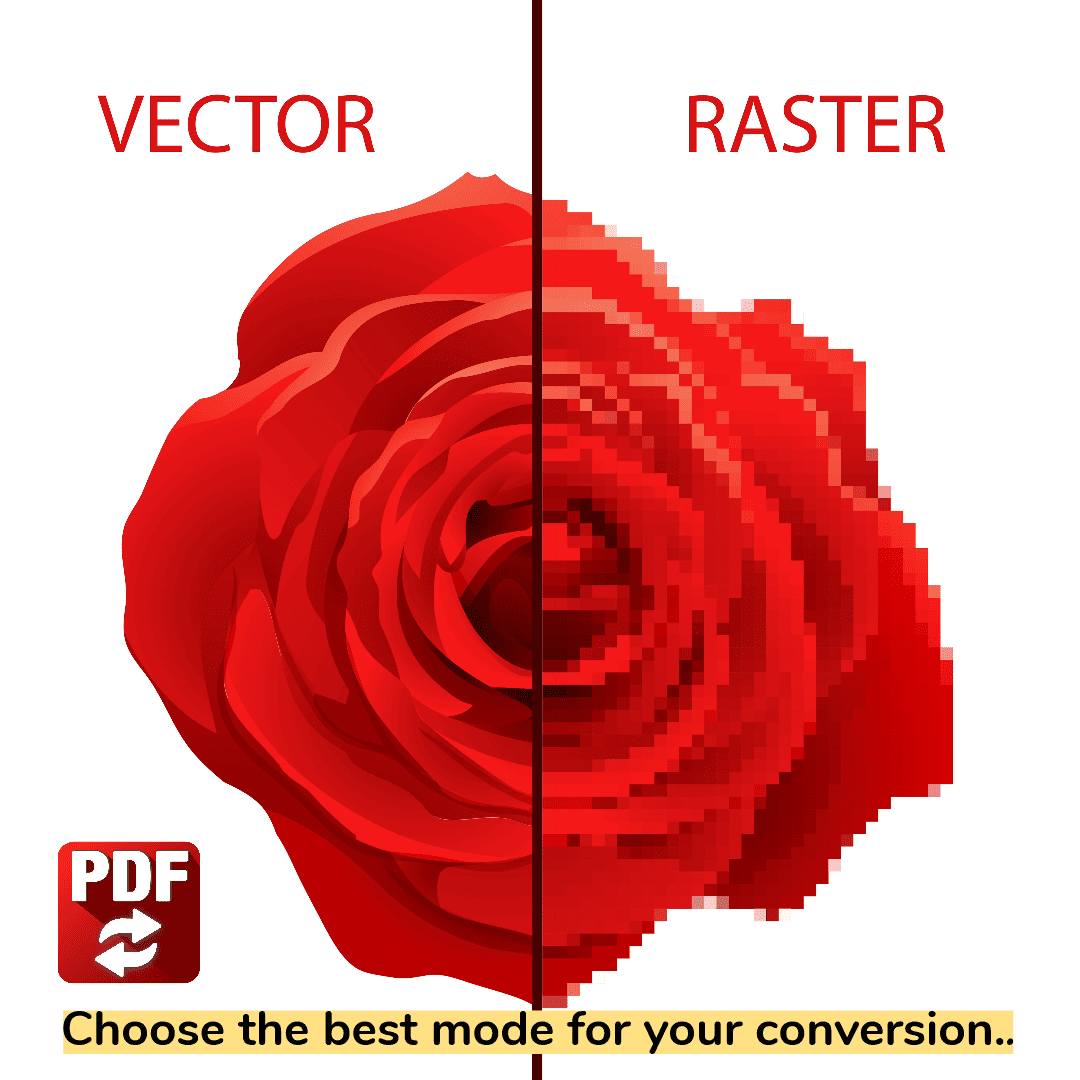
PDF FLY Annual Subscription
Complete PDF Conversion Suite for Drawings, Diagrams, and Charts. Perfect for Tech Writers
PDF FLY v14 for Windows delivers the power and conversion precision professionals count on when creating technical manuals and illustrations. It's a complete vector and bitmap converters suite in one easy-to-use program. Transform PDF, PostScript, and EPS files into standard formats like DWG, SVG, WMF, EPS, PNG, JPEG, and TIFF. Using it saves time, improves quality, and streamlines workflow. Transform drawings, diagrams, and illustrations, all with one great product. Perfect for technical writers and other graphics professionals.
All modules include intelligent filter options ensuring a perfect match with the original file. Compensation for format incompatibilities is one of many advanced features. Also, single file, batch, and watch-folder support ensures the best approach for your workflow.
Engineering, technical writing, and illustration departments count on PDF FLY for flawless conversions. For cross-industry customers, PDF FLY saves time and enables new PDF workflows. In short, If you need to convert PDF to vector and image formats, PDF FLY provides all the power you'll need.
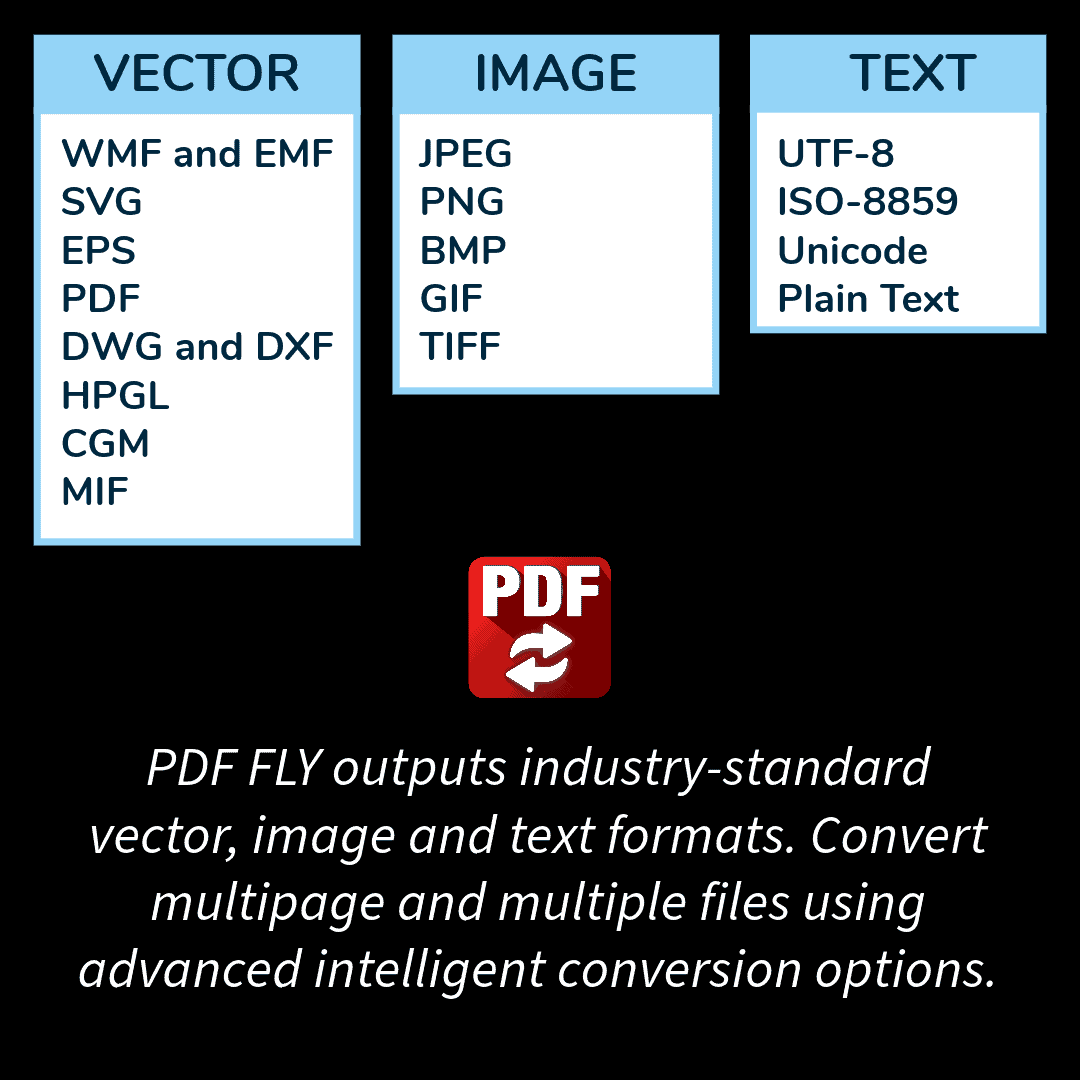
This comprehensive suite of PDF converters includes vector, bitmap, and text modules in one easy-to-use Windows program. Use it to convert PDF, PostScript, EPS, and Adobe Illustrator files into popular formats for print publishing and the Web, including:
- Vector - SVG, WMF, EMF, EPS, DWG, DXF, HPGL, CGM, MIF and PDF
- Image - JPG, PNG, GIF, BMP, TIFF
- Text - Plain text, ISO 8859, Unicode
PDF v14 Enhancements
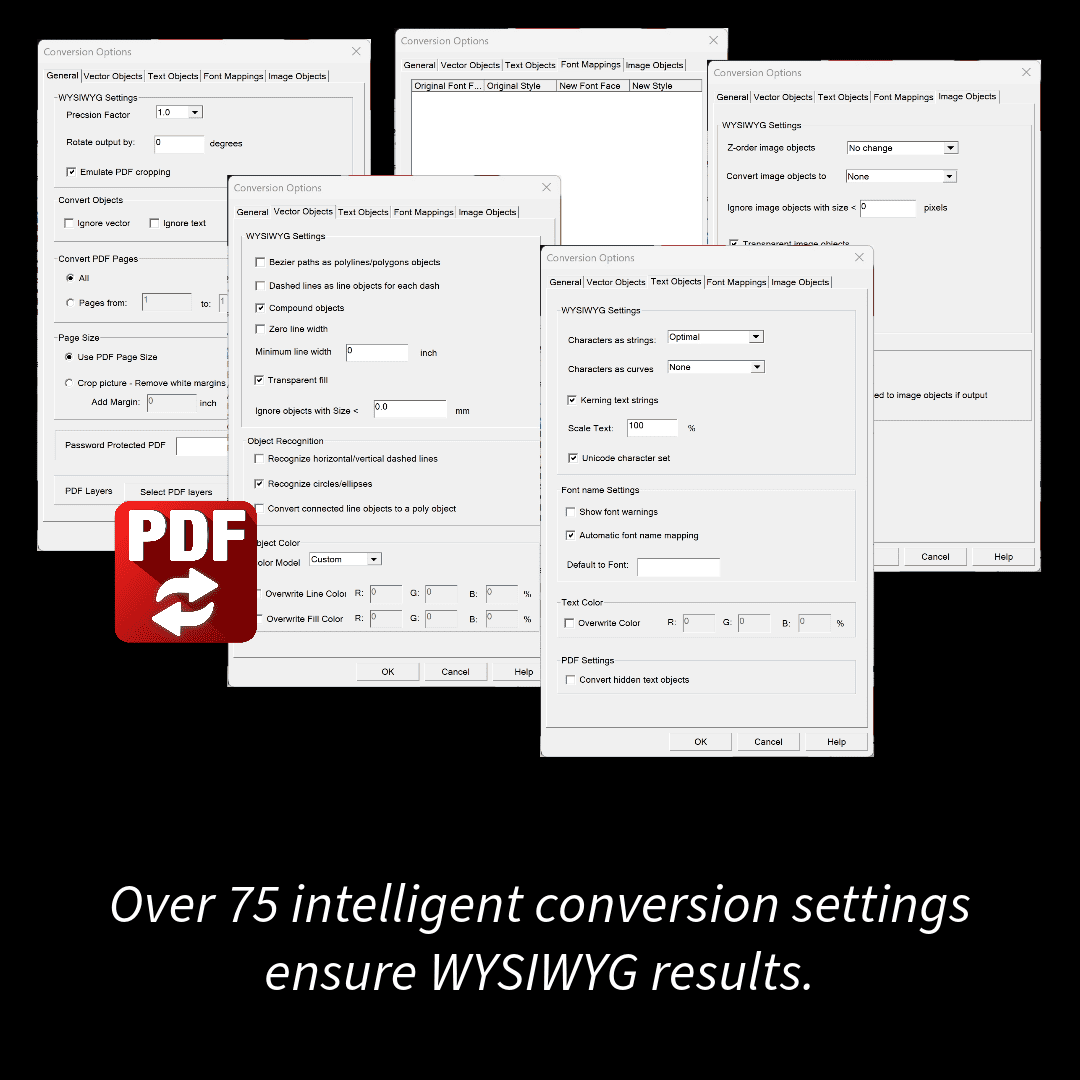
PDF FLY v14 boasts a significant redesign of all conversion options and format settings. New features include an automatic font name-mapping engine, transparency fills and transparent images, improved layer support, a new text module, advanced object recognition, and PDF page extraction.
Since 1995, engineering, technical writing, science, and graphic design professionals have relied on PDF FLY to save time, improve quality, and streamline workflows. In addition to interactive and batch conversion, PDF FLY supports watch folders, so conversions can automatically run in the background. Available in API and command-line versions. All formats support intelligent filter options, ensuring an accurate match with the original. Single or multiple files can be selected and converted in one run. For customers large and small across all industries, PDF FLY saves time and quality while enabling new workflows.
MORE FEATURES IN PDF FLY
- Convert one file or multiple files at the same time
- Process all pages or specify a page rage
- Intelligent object recognition
- Rotate to any degree
- Combines characters to form editable words and lines of text
- Option to ignore text, images, or paths during conversion
- Specify minimum line width
- Separates layers based on color, line weight, PDF definition, and more
- Dashed/dotted lines as segments
- Easy Windows “Wizard” interface selects files, sets options, and converts in 3 easy steps.
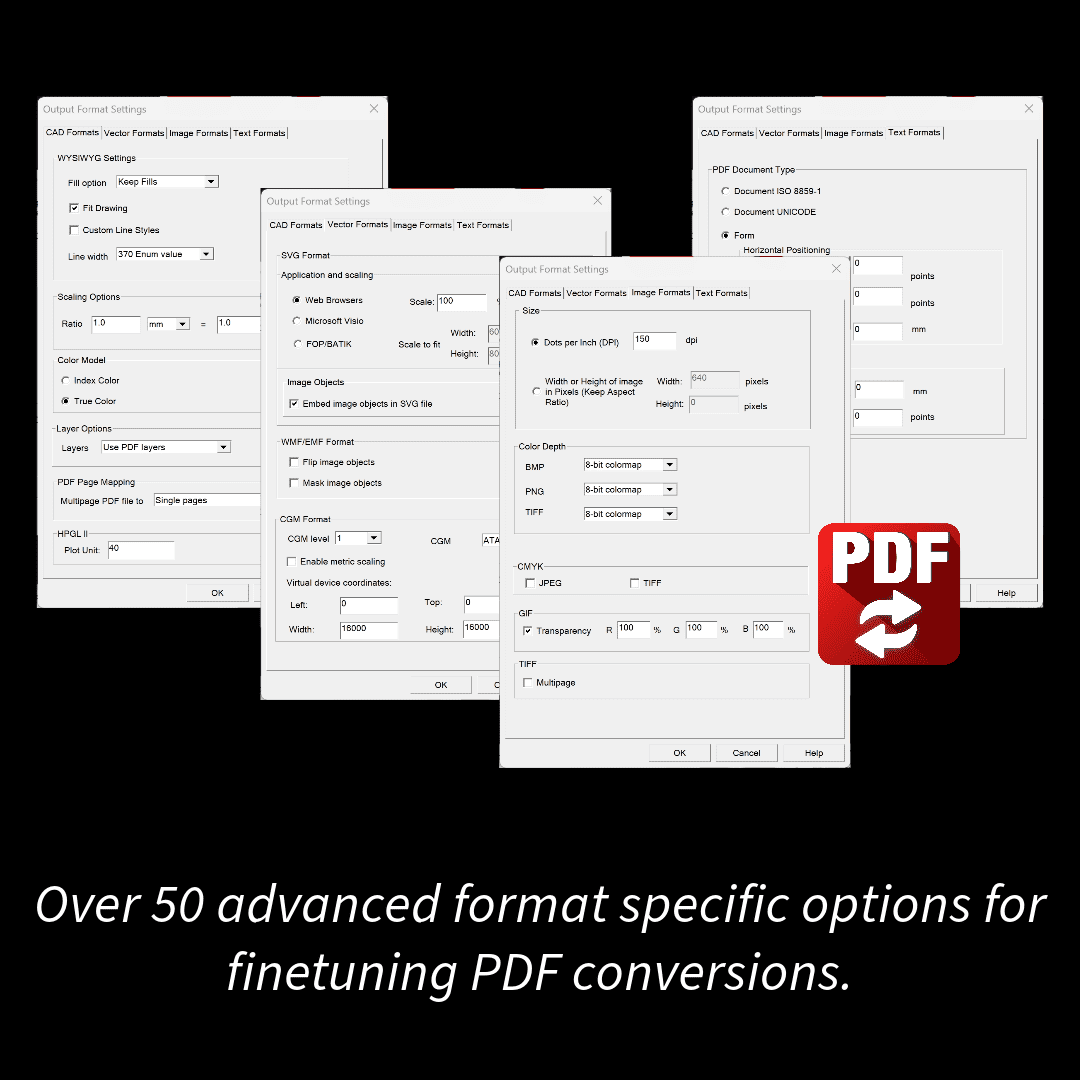
- Outputs industry-standard vector output formats, editable at the text and object level. Formats include PDF, EPS, SVG, WMF, EMF, DXF, PostScript, HPGL, CGM, and MIF.
- Generates high-fidelity images for Web and office, including JPEG, GIF, PNG, BMP, and TIFF. Offers custom resolution settings for print or screen display
- Options to map, reference, substitute or outline Type 1 and TrueType fonts. Compensates for font mismatches between source and target systems
- Batch tools (PDF Conversion Server) and developer API are available (PDF Conversion SDK). Linux and UNIX versions offer a command-line interface.
FORMAT AND PLATFORM SUPPORT
VECTOR FORMATS
- SVG for XML and the Web
- PDF for creating and extracting pages
- EPS and PostScript
- DWG and DXF for CAD/CAM/CNC
- HPGL for CAD plotting and viewing
- WMF for Microsoft Office
- EMF for Microsoft Office and Microsoft Windows printing
- CGM for tech pubs and engineering
- MIF for FrameMaker
RASTER FORMATS
- TIFF for imaging, archiving, faxing, printing
- GIF, PNG, and JPEG for the Web or office
- BMP for Microsoft Windows applications
TEXT FORMATS
- Extract text with placement
- Text for index, search, and processing
- Stripped text
- ASCII preview
- Full Unicode support
PLATFORMS
- Convert PDF to vector and image formats on all Microsoft Windows (64-bit OS) systems up to and including Windows 10.
- Supports all levels of PDF through the current PDF specification.
- Command-line version available
- Supports PDF 2.0
